|
Add a Picture for a Biography
- Click on the icon

- You will be redirected to an Editor Window and the link Edit Text is activated (see below):
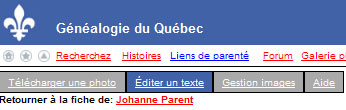
- To add pictures to a biography you have to upload the pictures on the server. Click Manage Images just on the right
- Click th button "Choose File" and search the picture on your computer in GIF or JPG format.
- You can reduce the size of the image in percentage, then click the button "Upload"
- The picture will be uploaded to your picture collection which is displayed as thumbnails just below. To see the original size of the picture just click on it. (see below).
Right click with the mouse and click "Copy Image Location" or "Copy image address" Text may be different in other browsers.

- Go back to the menu "Edit Text"
- Click Image and paste the address into URL
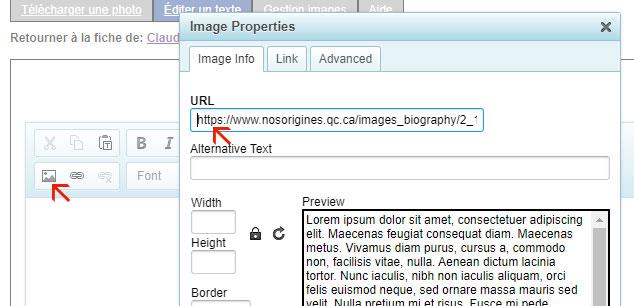
Add a title and click SAVE.
For further information consult Add a biography,
|

